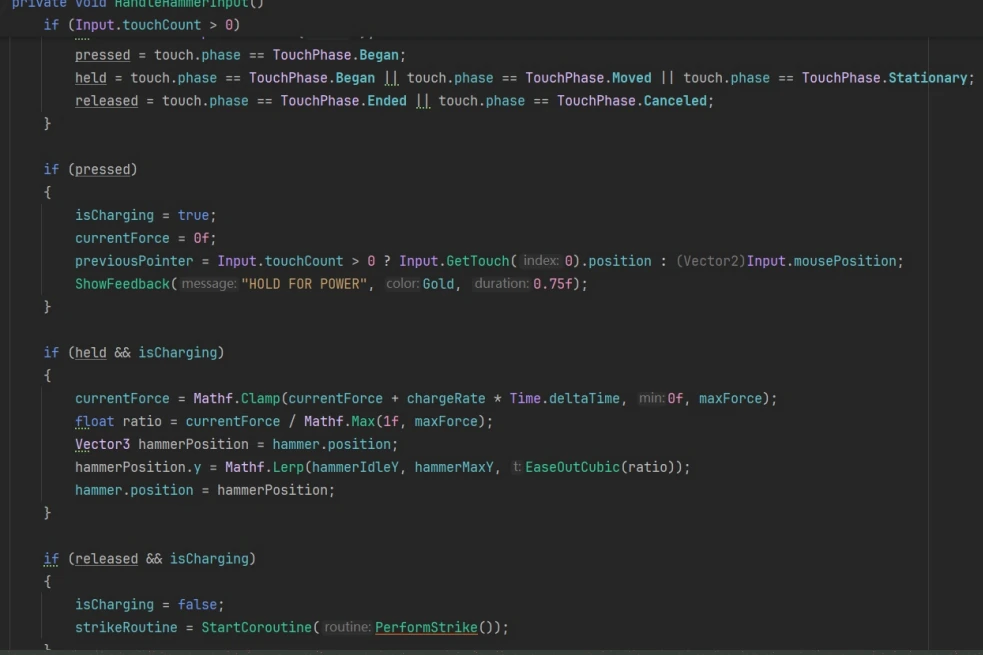
Software input
A held input increases a software value over time; releasing it starts the strike routine. This is a software control path, not a recorded hardware signal.
 DAI YONG
Explore how input, heat and feedback shape a forging interaction.
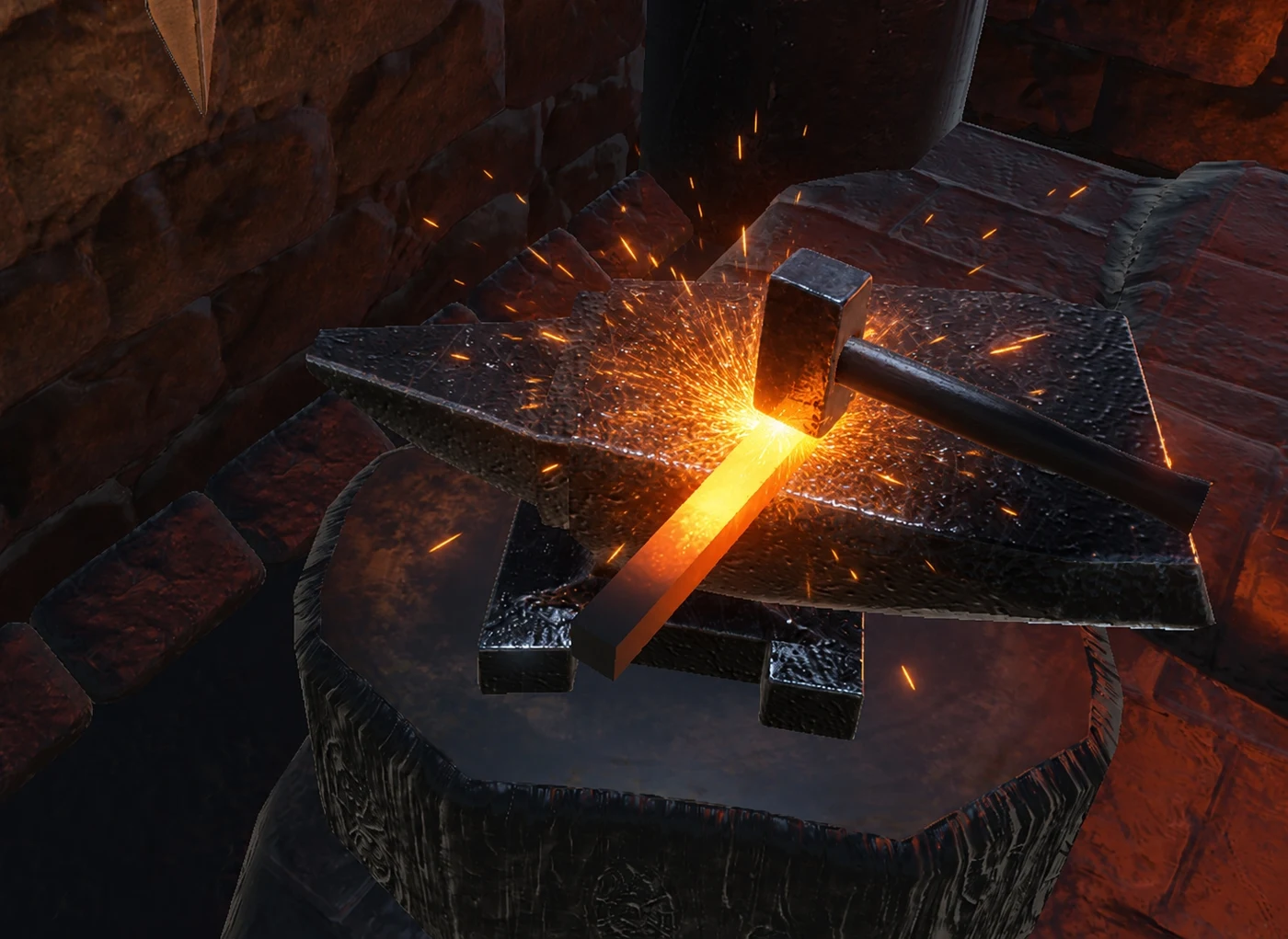
A forging-themed interactive prototype organized around heating, striking and reheating a virtual workpiece. The browser explorer reproduces a bounded temperature-to-force calculation from the Unity controller's normal mode. The software interface and physical setup are documented separately so the code-based simulation is not mistaken for a live device measurement.
Browser simulation / Software model only
Adjust model temperature and simulated power to inspect the Unity controller's normal-mode mapping, then compare the software and physical evidence. The calculation uses code defaults; it does not read sensors, reproduce the automatic-perfect scene override, or simulate the complete forging loop.
Adjust model temperature and simulated power, then compare a strike with the target force window. These values come from the software model, not sensors.
Interactive controls load when this section is reached. If scripts are unavailable, use the images and explanations below.
A held input increases a software value over time; releasing it starts the strike routine. This is a software control path, not a recorded hardware signal.
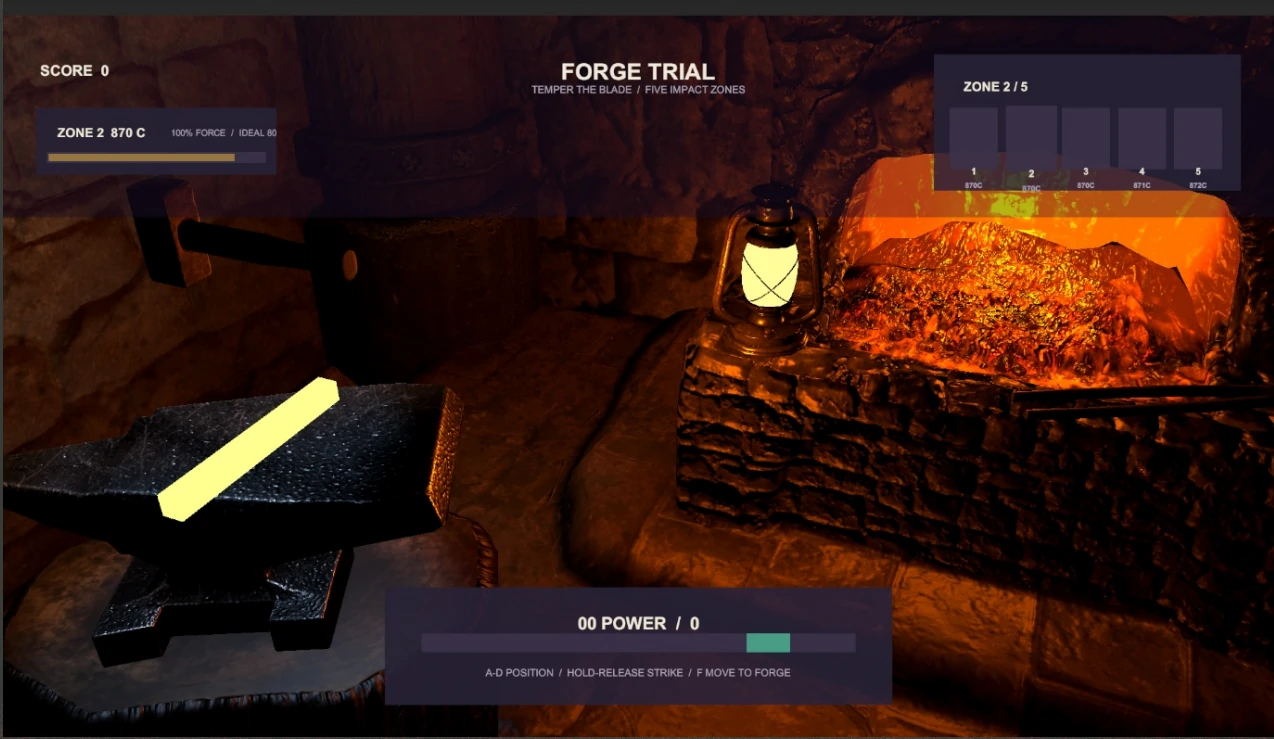
The interface displays the current zone and power. The visible controls include A/D positioning, hold-release strike and a return-to-forge command. The screenshot does not validate the complete scoring model.
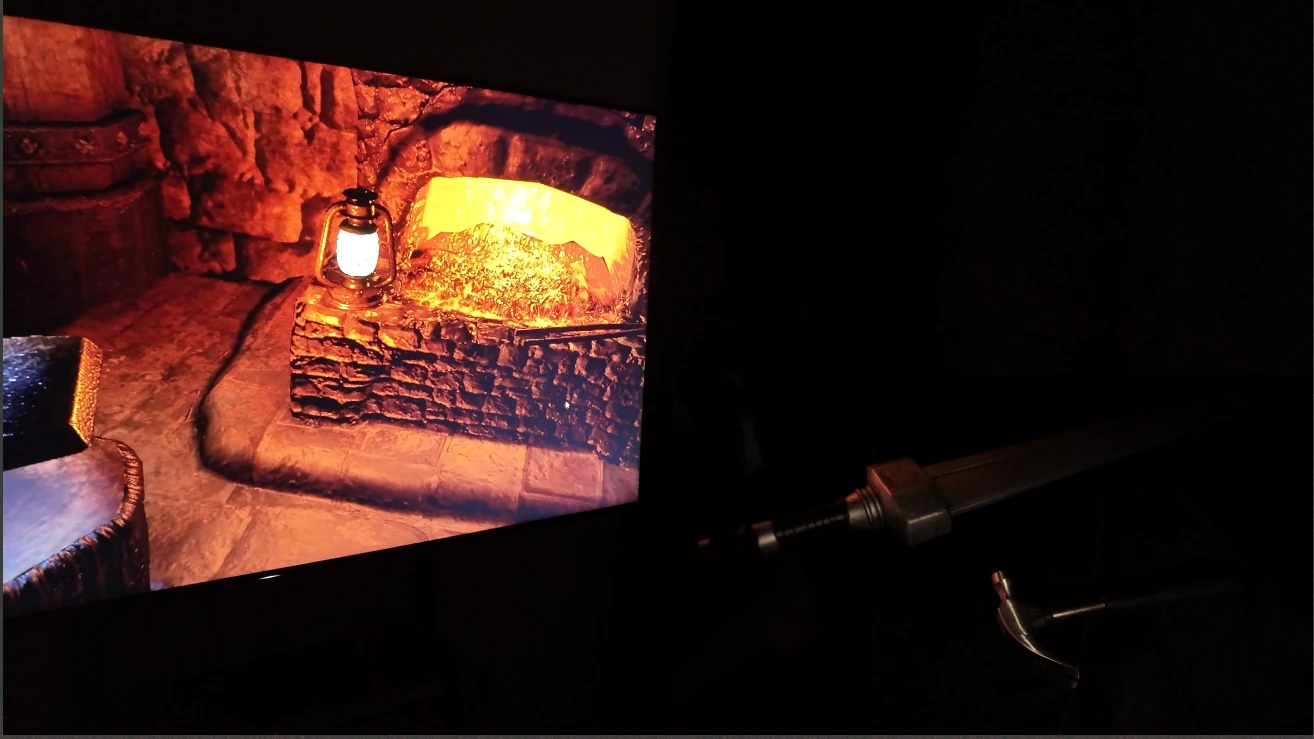
The photograph documents the setup. Continuous action-to-response footage and a confirmed sensor mapping are still needed before a physical-input demonstration can be reproduced online.
A question, a choice and the evidence behind it.
The Unity interface displays the selected forging zone, a power indicator and progress information. Particles and lighting support the visible response. Their role is to help communicate the strike, while timing and legibility remain questions for direct observation.
The visible code builds a software force value while a mouse or touch input is held, then starts a strike on release. This provides a traceable software-input path. It does not show a calibrated physical strike-force measurement.
The hardware direction combines motion and force-related sensing with a microcontroller. The setup photograph documents a physical device beside the running scene. A continuous recording and an explicit signal-to-game mapping are still required to demonstrate how a physical action changes the software state.
The controller source now makes the normal-mode force-transfer relationship explicit and reproducible in a bounded browser explorer. The supplied PerfectStrikeScene enables an automatic-perfect-strike override, so that scene is not treated as the same behavior. A continuous physical input-to-feedback recording, sensor calibration and observations of feedback comprehension remain the next evidence needs. No hardware accuracy or tactile-feedback result is claimed.
暂无。A matched before-and-after pair, the reason for the change and the observations behind it will be added together. Current images document the project; they are not presented as measured improvement.
暂无。The verified files, version and instructions will appear here when ready.
暂无。A continuous demonstration with a text description is still to be supplied.
Portfolio source pages: 19, 20, 21, 22, 23, 24, 26. Project dates reproduce the portfolio labels; they do not state production duration.